


 (+91) 79-26426364

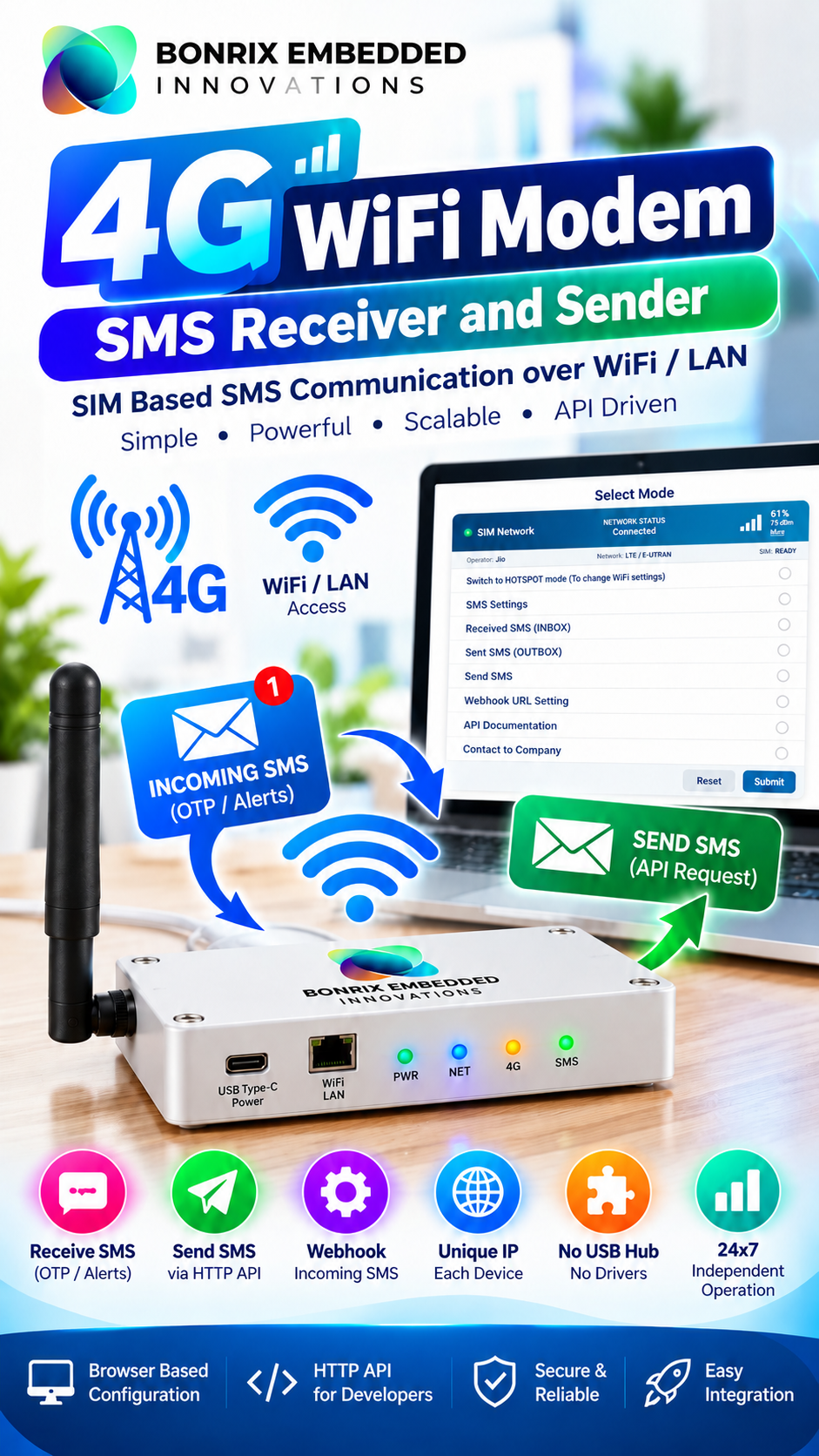
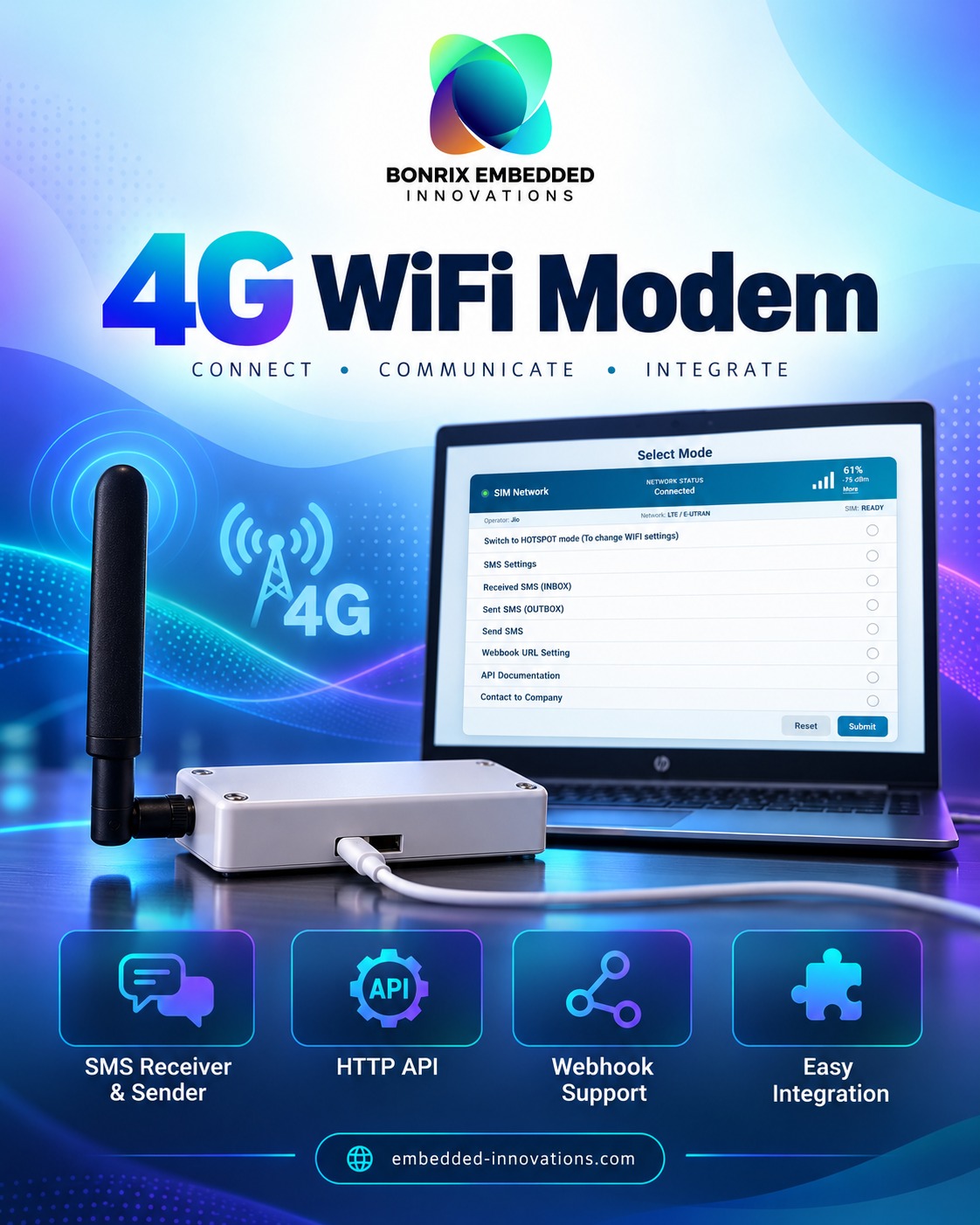


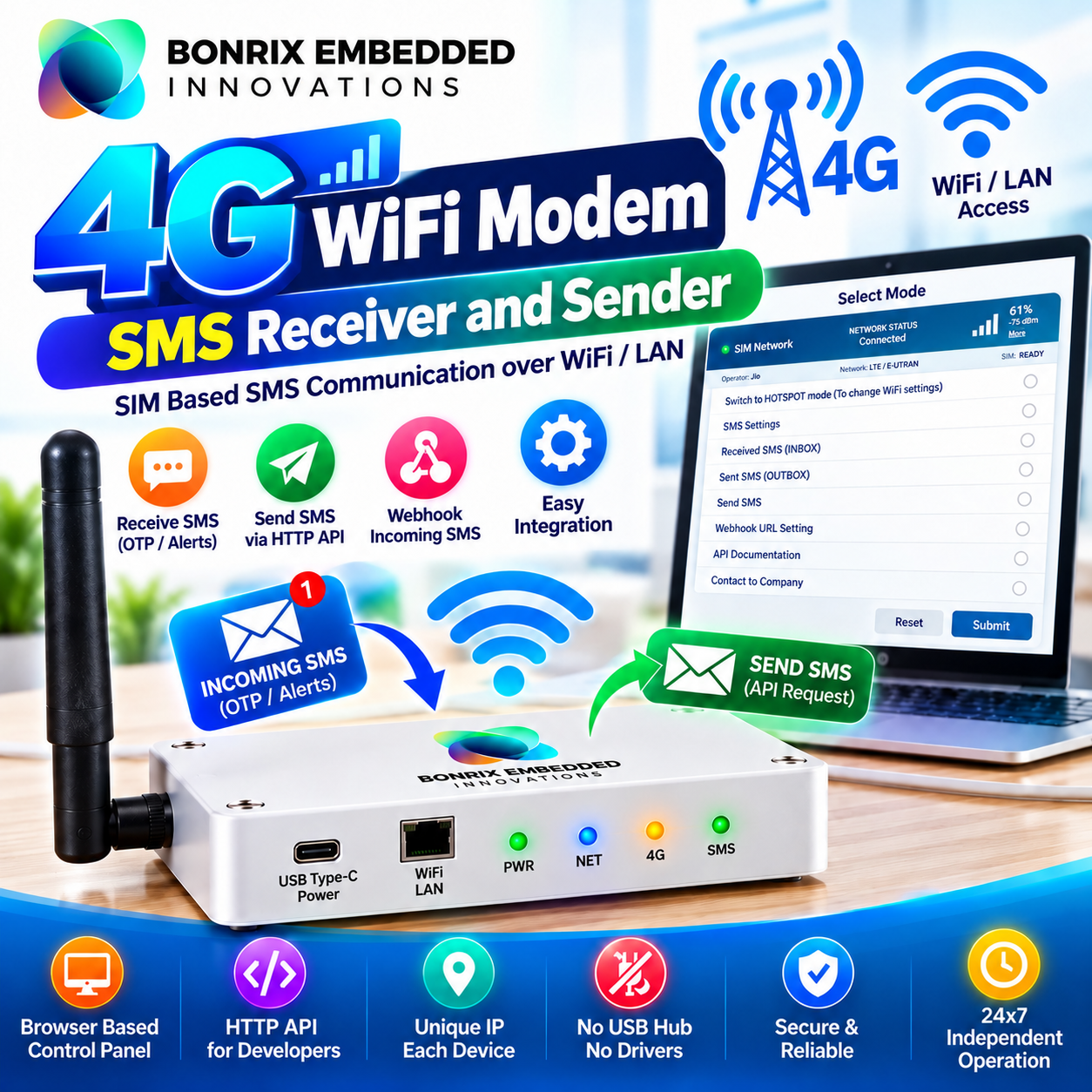

Introducing Bonrix 4G WiFi Modem for SMS Receiver & Sender – The Next Generation Enterprise SMS Gateway
By Bonrix Embedded Innovations, Ahmedabad, Gujarat, India
In today's digital ecosystem, SMS remains an important communication channel for OTPs, transactional alerts, payment notifications, banking messages, and customer communication. However, managing SMS hardware at scale can be challenging when systems depend on multiple USB modems, complex drivers, and dedicated computers.
The Traditional Challenge
To operate a multi-SIM SMS system, companies traditionally require a multi-port USB hub, driver installation, COM port mapping, AT command handling, and a dedicated desktop or laptop running continuously. Software must also manage USB serial port conflicts, driver crashes, and device disconnections.
Scaling from 5 SIMs to 50 SIMs can introduce significant wiring, configuration, maintenance, and software stability challenges.
The Bonrix Revolution – IP-Based, Not USB Data-Based
Bonrix Embedded Innovations introduces the Bonrix 4G WiFi Modem for SMS Receiver and Sender, designed to simplify SMS automation through network-based connectivity and HTTP API integration.
Each modem receives its own local LAN or WiFi IP address. Instead of relying on a USB data connection to a computer, the device operates as an independent network-connected unit.
Applications can integrate incoming and outgoing SMS functionality through HTTP API calls to the modem's IP address. Deploy multiple modems in your office, each configured with its own SIM and network address, and connect them to your office WiFi or LAN.
The embedded firmware is designed to manage SMS queues, store incoming messages, retry failed messages where configured, and communicate with your backend system.
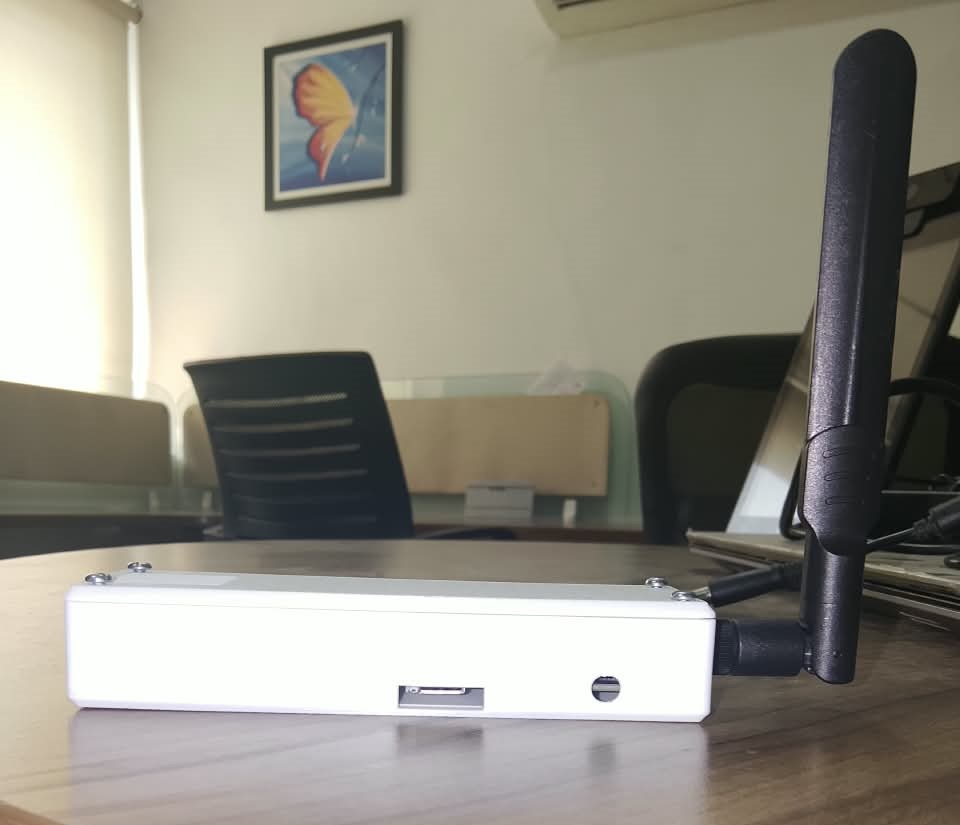
For power, the modem requires a USB Type-C connection. No USB data connection to a PC is required for normal network-based operation. Once powered and configured, it can operate independently using your office WiFi or LAN connection.
How It Works
1. For Outgoing SMS
Any web application, CRM, ERP, or third-party application connected to the appropriate network can trigger an SMS through an HTTP API request.
Example API format:
http://192.168.1.101/api/send_sms?number=...&message=...
Applications developed using PHP, Python, .NET, Node.js, or other programming languages can integrate with the modem using the documented API endpoints.
2. For Incoming SMS
For OTP reception, payment notifications, banking alerts, and customer replies, configure a Webhook or Callback URL in the device. When a new SMS arrives, the modem can forward the sender information, message content, and timestamp to your configured website or backend JSON API.
This enables automated message forwarding without requiring your application to continuously poll the device, subject to the configured webhook settings and network availability.
Detailed Configuration & Menu Features
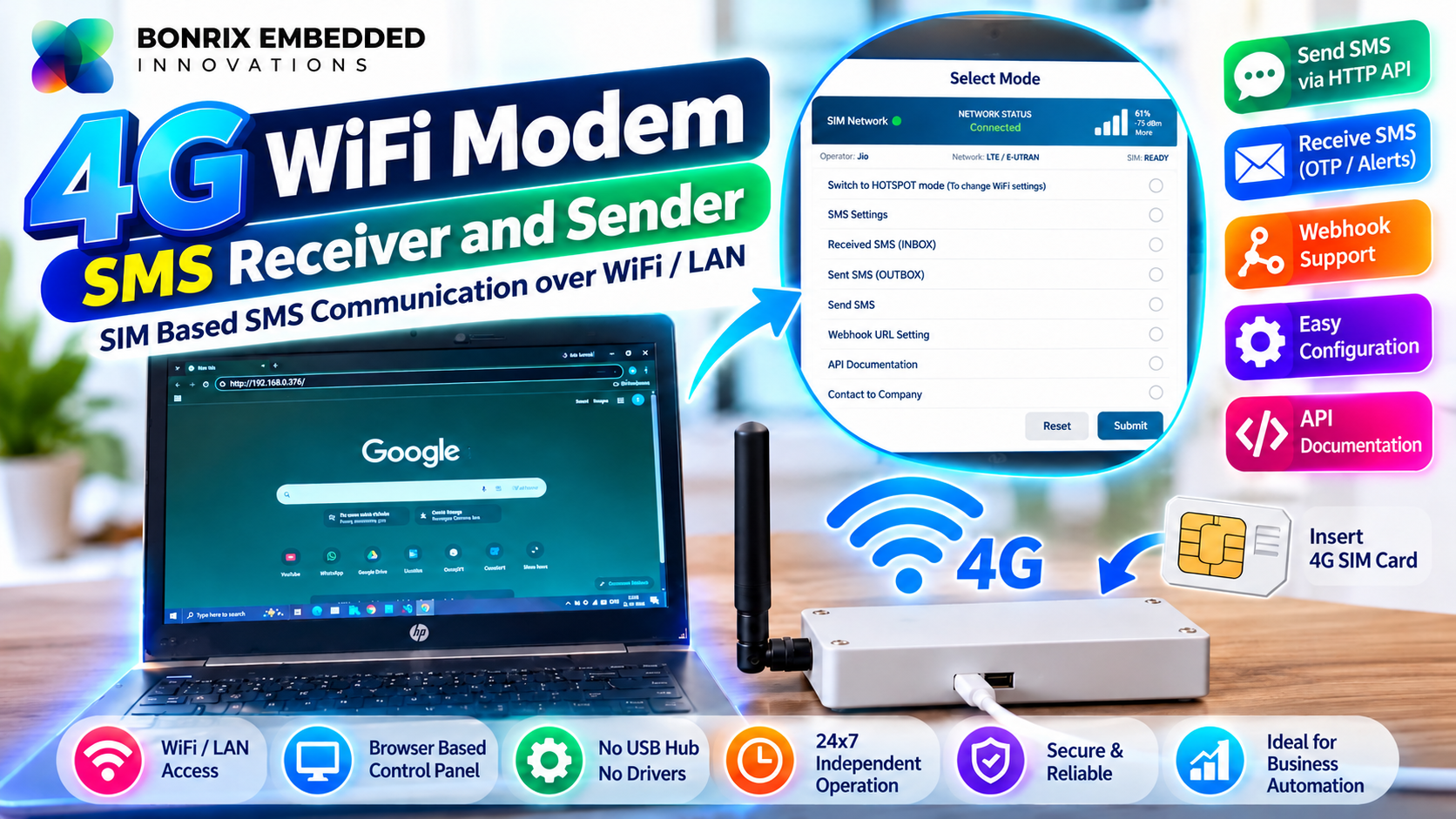
The modem provides a responsive web-based configuration portal accessible through its IP address. The interface helps users configure the device, monitor network information, and manage SMS operations.
Network Diagnostics
- SIM network status and connection status
- Mobile operator name, such as Jio, Airtel, Vi, or BSNL
- Network technology information, including LTE / E-UTRAN
- SIM status, such as READY
- Signal strength displayed as a percentage and in dBm, with graphical indicators
1. Switch to HOTSPOT Mode – WiFi Configuration
Switch the modem to hotspot configuration mode to configure office WiFi credentials and network settings, including static IP or DHCP where supported. Once configured, the modem can join the office LAN as a WiFi client.
2. SMS Settings
Configure supported SMS parameters, including SMSC number, operator APN settings, message storage preferences, long SMS handling, and delivery report settings.
3. Received SMS – INBOX
View incoming messages stored in the SIM or device memory, including sender information, timestamps, and full message content. Message management and deletion can also be performed through supported APIs.
4. Sent SMS – OUTBOX
Review outgoing SMS records and available statuses, such as Sent, Failed, and Queued, to support troubleshooting, monitoring, and auditing.
5. Send SMS
Send a test SMS directly from the web portal without writing application code.
6. Webhook URL Settings
Configure a callback endpoint, for example:
https://yourdomain.com/sms_callback.php
Depending on the firmware capabilities, configure the HTTP method, custom headers, and retry settings. Incoming SMS messages can then be forwarded automatically to your backend endpoint.
7. API Documentation
Access the built-in API documentation through the device's IP address. It describes supported HTTP endpoints for operations such as sending SMS, reading the inbox, checking signal strength, checking balance, and deleting messages.
8. Contact to Company
Access company support information and available firmware update details.
The configuration portal also provides Reset and Submit controls to help manage device settings.
Why Enterprises Choose Bonrix
- No USB Data Drivers: Network-based communication reduces dependency on PC-side USB serial drivers.
- No COM Port Mapping: Integrate through supported HTTP APIs instead of managing serial ports.
- Reduced USB Hub Complexity: Deploy multiple independent network-connected modems.
- Standalone Operation: Designed to operate without a dedicated computer for normal network-based SMS operations.
- Language-Agnostic API: Integrate with software built using a wide range of programming languages.
- Multi-SIM Deployment: Configure individual modems with their own SIM cards and network addresses.
- Automated SMS Handling: Support outgoing queues, incoming message storage, and configured retry mechanisms.
- Webhook Integration: Forward incoming messages to compatible backend systems.
Key Use Cases
a) OTP Automation & Verification
Fintech companies, service providers, and businesses can receive OTP messages through configured SIMs and forward them to their applications using supported webhook integrations. Ensure that any OTP handling complies with applicable security requirements and service-provider policies.
b) Payment & Banking Alerts
Capture incoming payment confirmation messages and integrate relevant information with ERP, accounting, or business management systems, subject to the supported integration workflow.
c) Private SMS Gateway Solutions
Build a SIM-based SMS gateway for eligible business applications using your own SIM cards and network-connected modems. Operator terms, SMS limits, and applicable regulations may affect usage.
d) CRM & Lead Notifications
Send automated SMS notifications from CRM platforms, helpdesk applications, and custom business software through LAN-based API integration.
e) Logistics & Field Operations
Support centralized SMS operations for transport companies and field teams that need to manage communication across multiple SIM cards.
f) IoT & Industrial Alerts
Trigger SMS notifications from compatible machines and industrial applications through HTTP API calls without requiring a conventional PC-connected USB modem.
g) Multi-Branch Enterprises
Deploy modems across multiple offices or branches and integrate them with a central backend server, subject to network access and configuration requirements.
Designed for Indian & Global Applications
Designed in India by Bonrix Embedded Innovations, Ahmedabad, Gujarat, the Bonrix 4G WiFi Modem supports compatible SIM cards and supported 4G LTE network bands. Actual network compatibility depends on the modem variant, operator, local coverage, and supported frequency bands.
Contact Bonrix Embedded Innovations
For a live demo, bulk pricing, technical specifications, and integration support, visit our website.
Website: https://www.embedded-innovations.com/
Contact: +91 94290 45500 | +91 94097 45500
Email: info@embedded-innovations.com
Hashtags:
#Bonrix #BonrixEmbeddedInnovations #EmbeddedInnovations #4GModem #4GWiFiModem #SMSModem
#SMSGateway #4GSMSModem #WiFiSMSModem #SMSReceiver #SMSSender #BulkSMS #OTPGateway
#OTPAutomation #OTPReceiver #InboundSMS #OutboundSMS #HTTPApiSMS #SMSApi #WebhookSMS
#CallbackURL #LANBasedSMS #IPBasedSMS #NoUSBHub #IndustrialModem #IoTModem #MadeInIndia
#MadeInAhmedabad #Ahmedabad #Gujarat #JioModem #AirtelModem #EnterpriseSMS #TransactionalSMS
#FintechSolutions #PaymentNotification #BankSMSAlert #CRMIntegration #ERPSMS #IoTIndia
#EmbeddedSystems #WirelessModem #LTEModem #USBTypeCModem
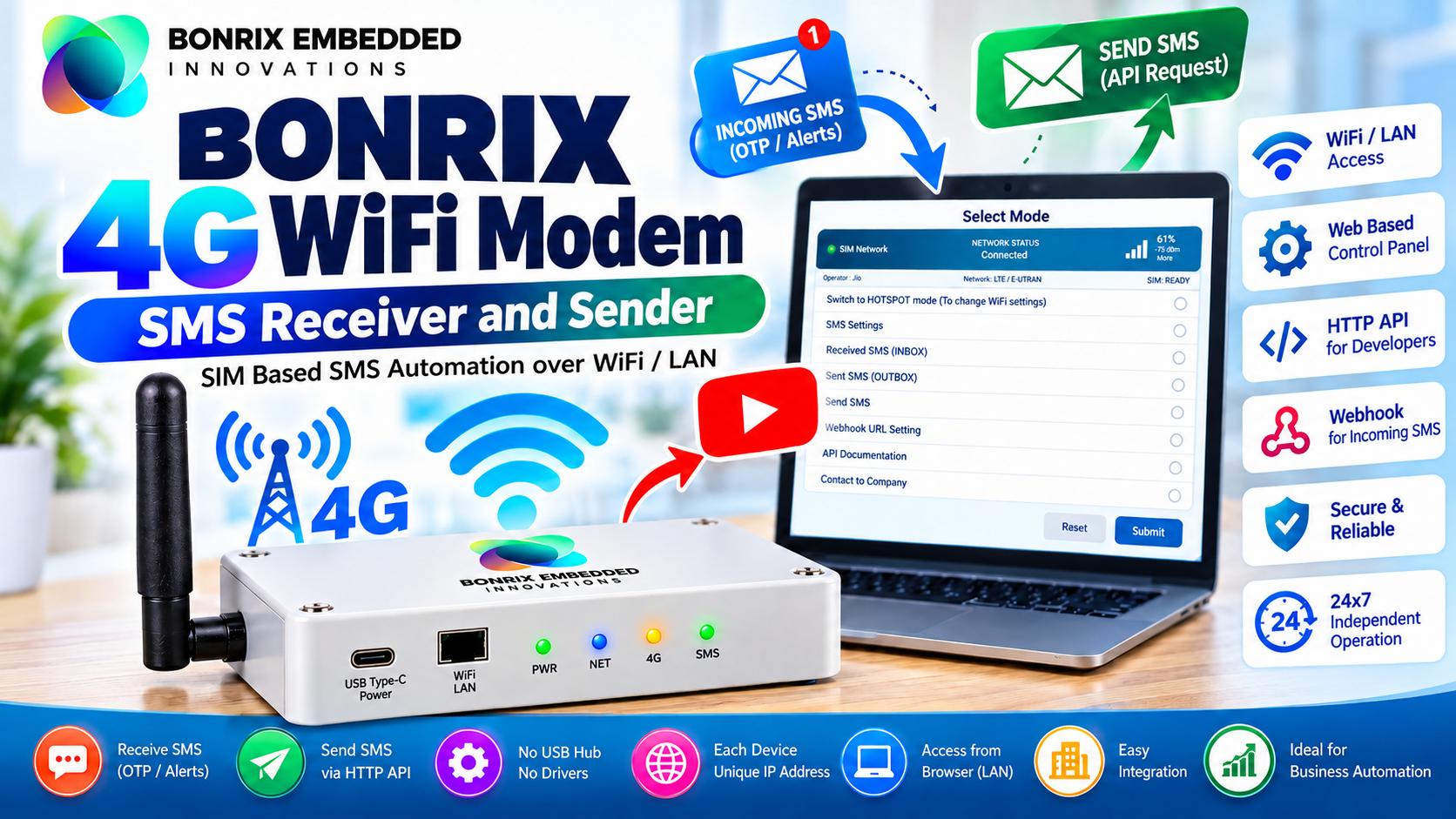
Banner For Bonrix 4G WiFi Modem SMS Receiver and Sender


| Documents Name | Documents |
|---|---|
| Download Dynamic QR Code Display Screen-Windows-CH340-Driver for Windows |
 |
| 360 Product Viewer |
 |
| Text file for API And Output |
|
| Web Interface ScreenShots For Testing |
|
Images For Bonrix 4G WiFi Modem SMS
Receiver and Sender
Videos For Bonrix 4G WiFi Modem SMS Receiver and Sender
Bonrix 4G WiFi Modem for SMS Receiver & Sender - The Next Generation Enterprise SMS Gateway
Bonrix 4G WiFi Modem for SMS Receiver & Sender – A Next-Generation Enterprise SMS Gateway
In today’s hyper-connected digital ecosystem, SMS remains a critical communication channel for OTPs, payment alerts, transactional messages, and system notifications. However, scaling hardware-based SMS operations has traditionally presented several engineering challenges.
Connecting multiple 4G USB modems to a desktop or laptop often requires multi-port USB hubs, complex driver management, COM port configuration, and continuous PC operation. If the host computer crashes or a driver fails, the entire SMS gateway may be disrupted.
Addressing these challenges, Bonrix Embedded Innovations, based in Ahmedabad, Gujarat, India, introduces the Bonrix 4G WiFi Modem for SMS Receiver and Sender. This standalone device is designed to simplify SMS routing through a local network, reducing dependence on host computers, serial port multiplexing, and USB data drivers.
Advanced Configuration & Menu Details
The Bonrix modem features a web-based graphical user interface (GUI) accessible through its local IP address. It provides configuration and monitoring options for SMS automation and network integration.
- Network & WiFi Setup: Configure WiFi SSID and credentials, assign a static IP address, or use DHCP for LAN integration.
- APN Management: Configure Access Point Name settings for compatibility with supported telecom operators, including Airtel, Jio, Vi, and BSNL.
- Webhook & Callback Settings: Configure destination URLs for incoming SMS forwarding, along with supported retry policies and payload formats.
- SMS Encoding & Concatenation: Support for GSM 7-bit and UCS-2 encoding, subject to firmware capabilities, for text messages including regional Indian languages and longer messages.
- API Security & Tokens: Use supported authentication mechanisms to help prevent unauthorized API requests from devices on the local network.
- SIM & Network Controls: Access supported SIM configuration options and monitor cellular network status and signal strength.
- Queue & Log Management: Monitor outgoing SMS queues, manage pending messages, and review available system logs for troubleshooting and auditing.
- Device Maintenance: Access supported maintenance features, such as firmware updates, LED indicator settings, and scheduled reboot options where available.
Real-World Applications
1. High-Volume OTP Gateways
Integrate SIM-based SMS delivery into internal applications for OTP and two-factor authentication workflows. Actual throughput depends on the modem, SIM plan, mobile operator restrictions, and network conditions.
2. Automated Payment Reconciliation
Receive UPI or bank transaction alert messages and forward relevant information to accounting or ERP software, such as Tally or Zoho, through configured webhooks for payment reconciliation workflows.
3. IoT & Server Monitoring
Enable compatible machines and monitoring applications to trigger SMS alerts for hardware faults, service interruptions, and other critical events through HTTP API integration.
4. Restaurant & Retail POS Systems
Send order confirmations, customer notifications, and delivery updates from compatible POS applications without requiring a conventional PC-connected USB modem.
5. Multi-Tenant SaaS Hosting
Configure separate modems with dedicated SIM cards and individual local IP addresses to support different business clients and their SMS workflows, with appropriate network access controls.
6. Healthcare & Clinic Management
Integrate appointment reminders, patient notifications, and laboratory result alerts into clinic management software, subject to applicable privacy and communication requirements.
7. Logistics & Fleet Tracking
Connect warehouse management, dispatch, and fleet applications to SMS functionality for driver alerts, delivery updates, and operational notifications over a compatible network.
Why Choose Bonrix 4G WiFi Modem?
- Standalone, network-based SMS communication
- Reduced dependency on USB data drivers and COM port management
- HTTP API integration with web applications and business software
- Webhook-based incoming SMS forwarding, where configured
- Web-based device configuration and monitoring
- Suitable for CRM, ERP, POS, IoT, and enterprise automation projects
- Designed for multi-device deployments and centralized integration
Contact Bonrix Embedded Innovations
For more details, technical specifications, integration assistance, live demonstrations, and bulk pricing, visit our website.
Website: https://www.embedded-innovations.com/
Contact: +91 94290 45500 | +91 94097 45500
Email: info@embedded-innovations.com
Hashtags:
#Bonrix #EmbeddedInnovations #BonrixEmbeddedInnovations #4GModem #SMSAPI #IoTDevices
#Ahmedabad
#Gujarat
#MakeInIndia #TechInnovation #Webhooks #HTTPAPI #TelecomHardware #M2M #MachineToMachine
#SMSMarketing
#OTPGateway #NetworkHardware #WiFiModem #LANIntegration #EmbeddedSystems
#HardwareEngineering
#Telecommunications #PaymentNotifications #2FA #TwoFactorAuthentication #SmartOffice
#IoTGateway
#SerialToIP #USBDongle #TechSolutions #SoftwareIntegration #APIIntegration #ServerMonitoring
#AutomatedAlerts #BusinessTech #EnterpriseSolutions #IndianTech #StartupIndia #DigitalIndia
#NetworkingGear #LocalLAN #CloudComputing #SaaS #HardwareDesign #Firmware #WebDevelopment
#BackendIntegration #TechHardware #Gadget #Innovation